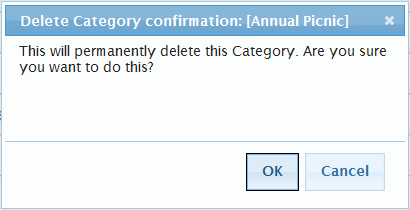
Editing or Deleting Existing Categories If your User Group has the permission to Modify Categories, you will be able to edit or delete Categories. To edit or delete existing Categories: Path: Calendar > Manage Categories 1. Follow the above path to display the Manage Categories screen. 2. Click next to the Category that you want to edit. 3. The procedure for editing an Category is the same as for creating and assigning colors for categories, see Creating and Assigning Colors to Categories. 4. Click next to the Category that you want to delete. A confirmation dialog displays. Note: If a Category is being used with at least one Calendar Event it cannot be deleted. 5. Click OK to permanently delete this Category.
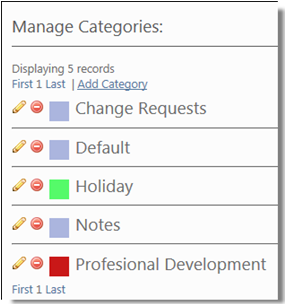
 next to the Category that you want to edit.
 next to the Category that you want to delete. A confirmation dialog displays.